
There is an analysis every IT manager, legal counsel and compliance officer should know. It is the one Duff Johnson, of the PDF Association, devoted to the Mueller Report: first in a technical article, then in a talk at the Electronic Document Conference 2019 with a telling title, “The Mueller Report PDF: a content management #fail for the history books”.
Johnson describes the technical disaster behind the release of one of the most important legal documents in recent American history. It is a textbook case of how not to handle the tension between confidentiality and accessibility.
But this is not just an American problem. Two years later, the European Commission made an equally striking mistake: different in technique, identical in substance.
Here are the three acts of a digital comedy of errors, which shows why the “black box” is not enough.
Act one: the “Manafort” mistake (the text under the black)
January 2019. The lawyers of Paul Manafort, Trump’s former campaign chairman and a key figure in Special Counsel Robert Mueller’s investigation, file a response with the federal court.
The PDF contains sealed passages about Manafort’s dealings with Konstantin Kilimnik, a man the FBI says has ties to Russian intelligence. The lawyers covered them with black boxes.
There was just one problem: the text underneath was still there.
Journalists selected the “redacted” lines, copied them and pasted them into a Word document, as VICE News reported. Sealed information, readable in seconds: among other things, the allegation that Manafort had shared 2016 campaign polling data with Kilimnik.
The technical mistake? The black boxes were only drawn on top of the text. A real redaction tool removes the content from the file; here the original text was still intact, under the paint.
Lesson 1: covering is not redacting. It is an optical illusion.
Act two: the “Mueller” reaction (the waste)
April 2019. Three months after the Manafort embarrassment, the Department of Justice (DOJ) releases the Mueller Report: 448 pages, the result of an investigation that cost taxpayers nearly $32 million.
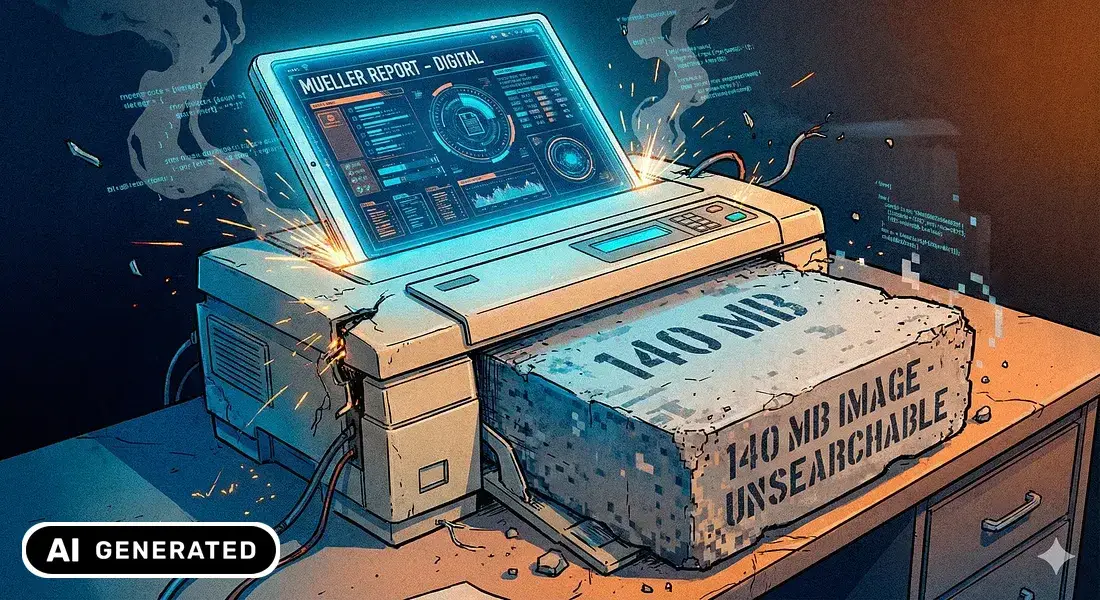
This time no text is left hidden under the black. But the price is very high: the published file is an image-only PDF. According to the PDF Association, everything suggests that the report, after redaction, was printed and fed through a scanner.
The result is a 139-megabyte PDF made of pictures of pages. The PDF Association’s analysis describes a failure across the board:
- No text search: to find a name or a date you had to scroll through 448 pages by hand.
- Zero accessibility: for the screen readers used by blind people, the document was a sequence of images with no text. In the association’s view the file did not meet Section 508, the federal rule on the accessibility of public documents.
- Degraded quality: grainy pages and a thin yellow line left by the scanner.
- Needless weight: a file far heavier than a native PDF would have been.
For Duff Johnson the image-only PDF was, of all the options available, “the least easy-to-use”. A few days later the DOJ reposted the report with selectable text, but the text recognition problems remained.
Lesson 2: they achieved confidentiality by destroying everything else.
Act three: the “European Manafort” (the forgotten bookmarks)
January 2021. In the middle of the pandemic, the European Commission is under pressure to make its COVID-19 vaccine purchase contracts public. On 29 January it publishes the contract with AstraZeneca, with many parts redacted to protect confidential business information.
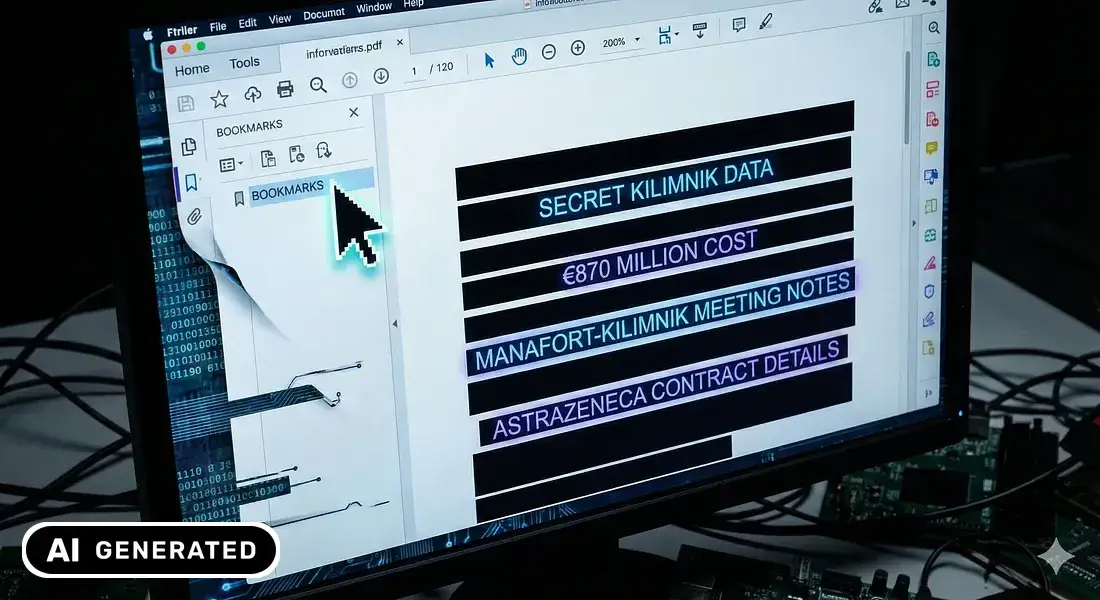
The black bars on the text were all in place. But nobody had checked the bookmarks.
In PDF readers, bookmarks are the navigation index in the side panel, often generated automatically from the text of the document.
What happened:
- The document showed black bars over entire paragraphs.
- Opening the Bookmarks panel, however, parts of the redacted text appeared in the clear.
- The readable details included figures such as the €870 million in expected costs for the doses intended for the Union.
It was spotted by people online and by journalists at Der Spiegel; The Register reported it the same day. The Commission replaced the PDF that day and a few days later admitted the mistake. But by then the damage was done.
Lesson 3: if you do not clean the hidden layers (metadata, bookmarks, structure), your secrets are one click away.
Three mistakes, one common root
The technical difference between the cases is subtle but important:
| Case | Mistake | Consequence |
|---|---|---|
| Manafort | Black boxes drawn on top of the text | Text can be copied with Ctrl+C |
| AstraZeneca | Bookmarks not cleaned | Confidential text readable in the side panel |
| Mueller | Image-only PDF (print and scan) | Heavy, unsearchable, inaccessible document |
The root is the same: treating a PDF like a sheet of paper.
A PDF is not a photograph. It is a layered container (like a lasagna) that includes:
- selectable text (the content);
- shapes and annotations (what is added on top);
- metadata and bookmarks (information and navigation);
- accessibility tags (the structure).
Truly redacting a PDF means carefully cleaning all of these layers.
Why it matters (especially in Europe)
In Europe we cannot choose between privacy and accessibility: with the GDPR on one side and accessibility rules on the other, we need both.
For public administrations the obligation has been there for years: Directive (EU) 2016/2102 on the accessibility of the websites and mobile apps of public sector bodies, transposed into national law in every Member State, also covers documents published online. Since 28 June 2025 the European Accessibility Act (Directive (EU) 2019/882) extends accessibility requirements to many private-sector products and services, from banking services to e-commerce. An image-only document like the first Mueller Report would hardly pass the test.
And yet “defensive scanning” is still common in offices: print, black out with a marker, scan. The result is a file that is useless to anyone relying on assistive technology.
Checklist: what to do in practice
If you handle legal or HR documents, here are the golden rules:
- Use a real redaction tool. It must remove the text, not cover it. With Edito’s PDF Editor, free with a free account, personal data is redacted on your own computer and the redaction is irreversible. Never use shapes or black highlighters.
- Apply and check. After redacting, try to select the area and search the file for a word you removed. If you find it, something is wrong.
- Clean the metadata. Remove author, comments, revision history and attachments that must not leave with the document.
- Watch the bookmarks. Always open the side panel before publishing: index entries can reveal what you deleted from the text.
- Do not scan (almost ever). Scanning destroys search and accessibility. If you have no alternative, you then need OCR and accessibility tags: Edito in cloud offers advanced OCR, conversion to PDF/A and PDF/A and PDF/UA compliance checks.
The moral
PDF can do a great many things: that is its strength, and also the origin of these disasters. Technology does not forgive shortcuts, but it always offers a solution. Just make sure it is not the scanner.
Redact your PDFs without letting them leave your computer.
Download PDF Editor for freeAll you need is a free account.
Do you handle large volumes of documents in a public body, a bank or a firm? Request an Omissis demo.
Sources and further reading
Mueller Report
- Duff Johnson, A Technical and Cultural Assessment of the Mueller Report PDF, PDF Association, 19 April 2019.
- Duff Johnson, The Mueller Report PDF: a content management #fail for the history books, talk at the Electronic Document Conference, Seattle, 18 June 2019.
- Ernie Smith, PDF Association: Flaws in Mueller Report Show What Not to Do With a PDF, Associations Now, 23 April 2019.
- Kevin Breuninger, Robert Mueller’s Russia probe cost nearly $32 million in total, Justice Department says, CNBC, 2 August 2019.
Manafort case
- Greg Walters, Manafort shared internal polling data with alleged Russian spy during campaign, according to court filing, VICE News, 8 January 2019.
AstraZeneca case
- Gareth Corfield, European Commission redacts AstraZeneca vaccine contract – but forgets to wipe the bookmarks tab, The Register, 29 January 2021.
- Nikolaj Nielsen, EU admits redaction error in AstraZeneca contract, EUobserver, 3 February 2021.
Legislation
- Directive (EU) 2016/2102 on the accessibility of the websites and mobile applications of public sector bodies.
- Directive (EU) 2019/882 on the accessibility requirements for products and services (European Accessibility Act).